Fling it. It’s there.

Send from your iPhone to a nearby iPad, Mac or iPhone with one quick motion.

Download on the App Store For iPhone, iPad and Mac Coming soon to iPhone, iPad and Mac
An iPhone with a photo of hot air balloons ready to fling, next to an iPad showing the same photo after it arrived

Point. Fling. Done.

Aim your iPhone at a nearby device and fling. No menus, no lists, no picking.
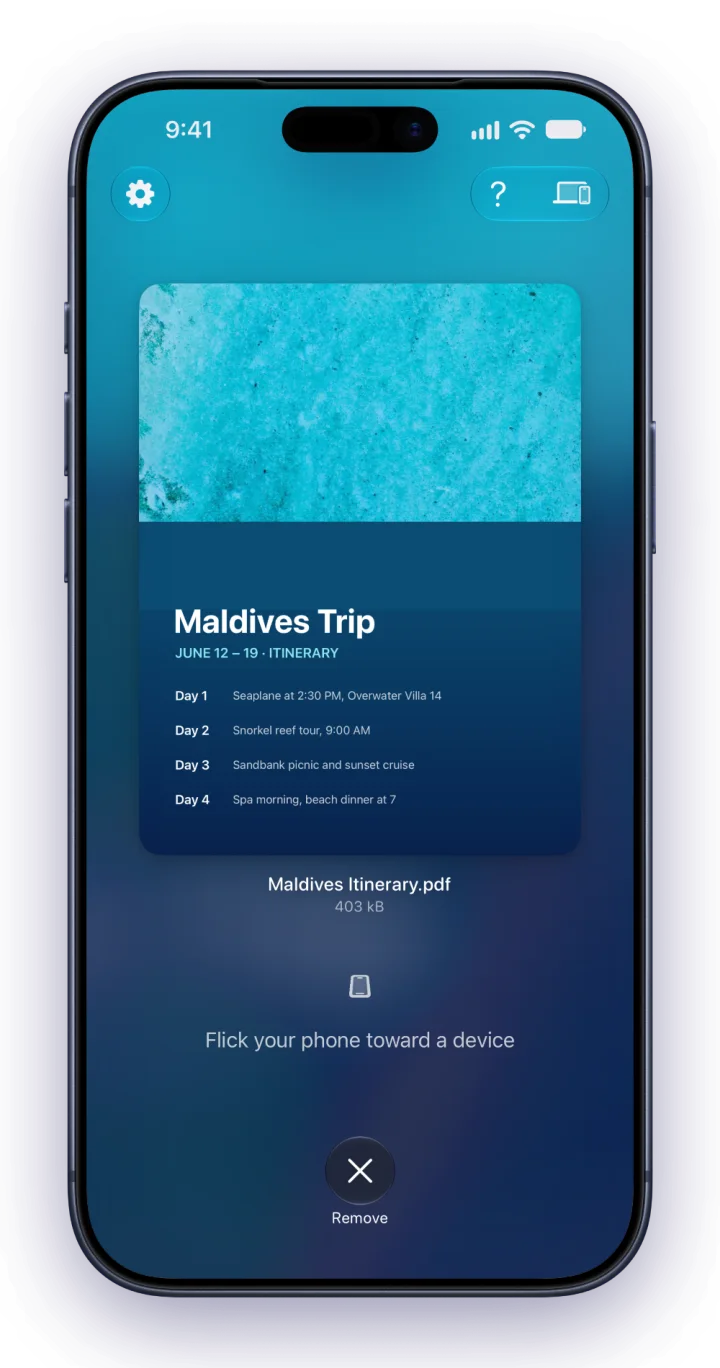
Fling on iPhone with a trip itinerary PDF ready to send

Fling anything.

Send photos, videos, files, text, links, even contacts. They arrive ready to use.
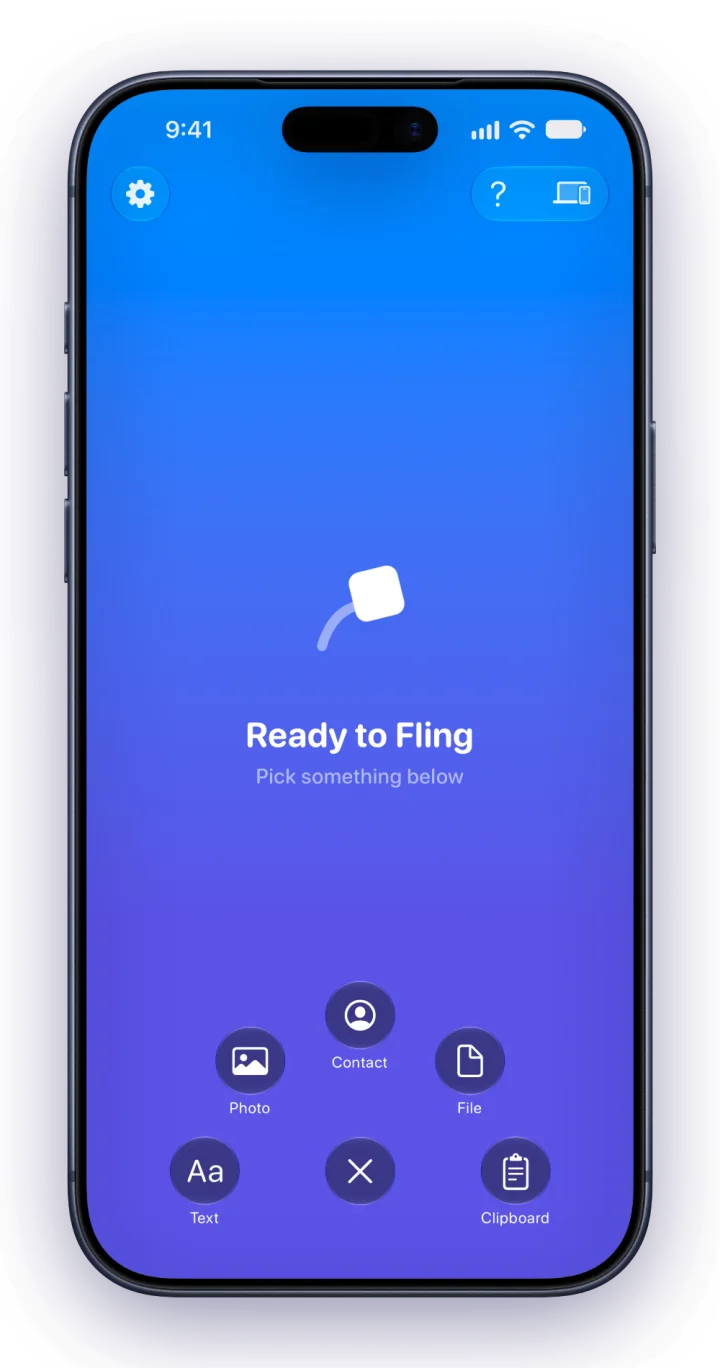
Fling's menu with Photo, Contact, File, Text and Clipboard options

Fling to your Mac.

Photos, files and links land right on your desktop. Your recent flings wait in the sidebar, a click away.
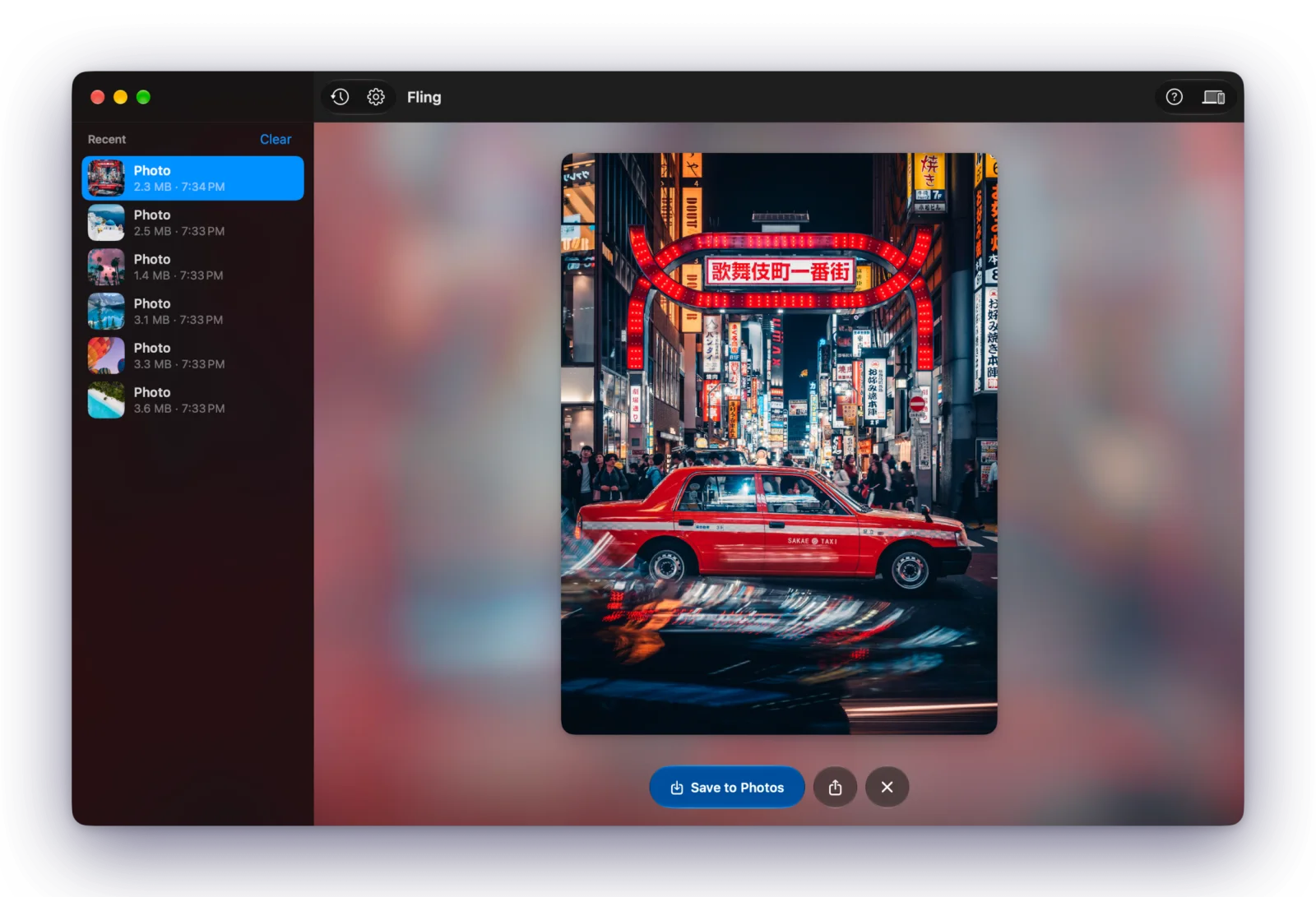
Fling on Mac showing a received photo of a Tokyo street, with recent items in the sidebar

Always within reach.

On Mac, Fling lives in the menu bar and receives anytime your Mac is awake.
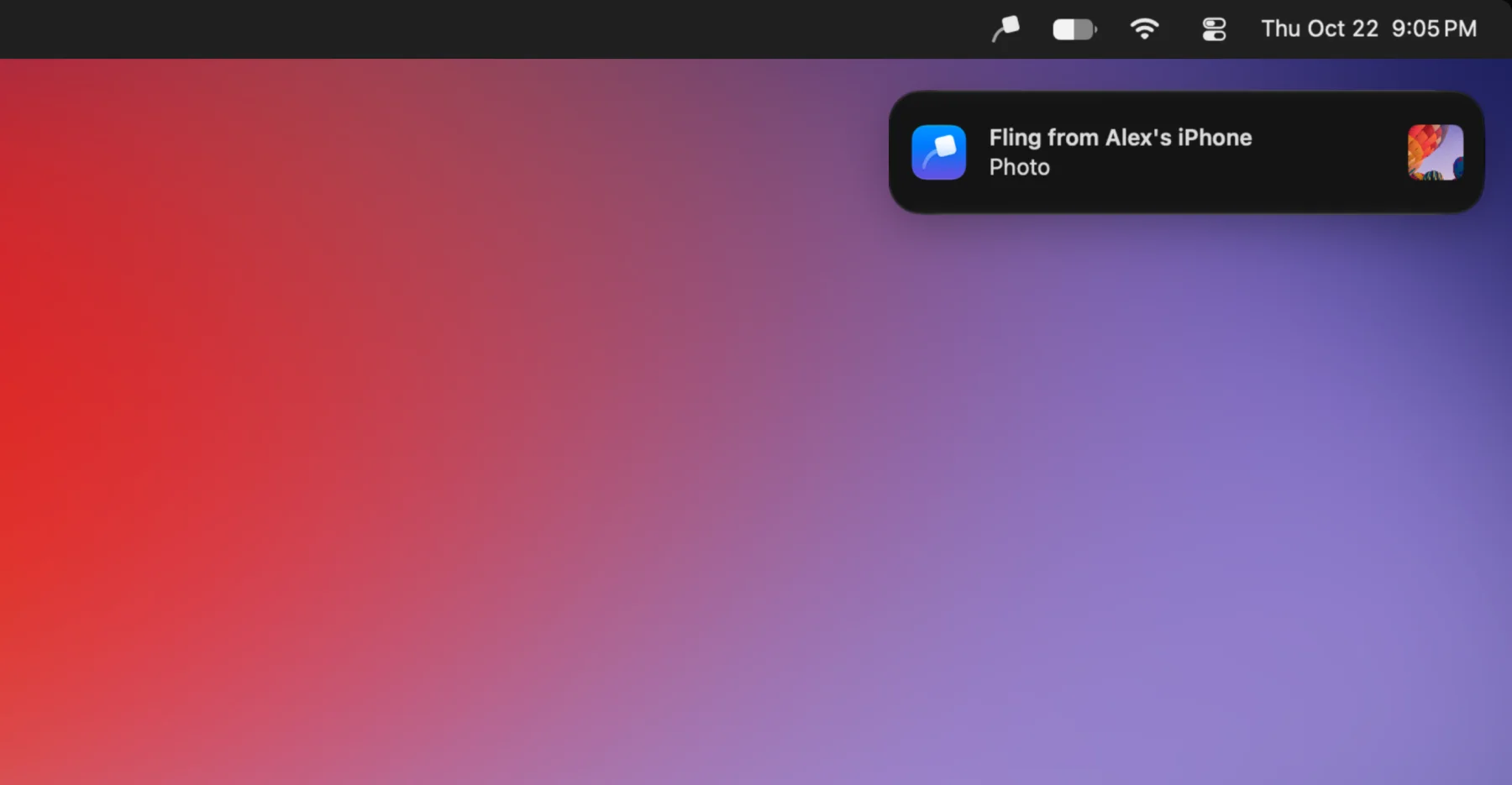
A Mac desktop with the Fling icon in the menu bar and a notification saying Fling from Alex's iPhone

Pick up where you left off.

Fling a link and it opens right in its app, wherever it lands.
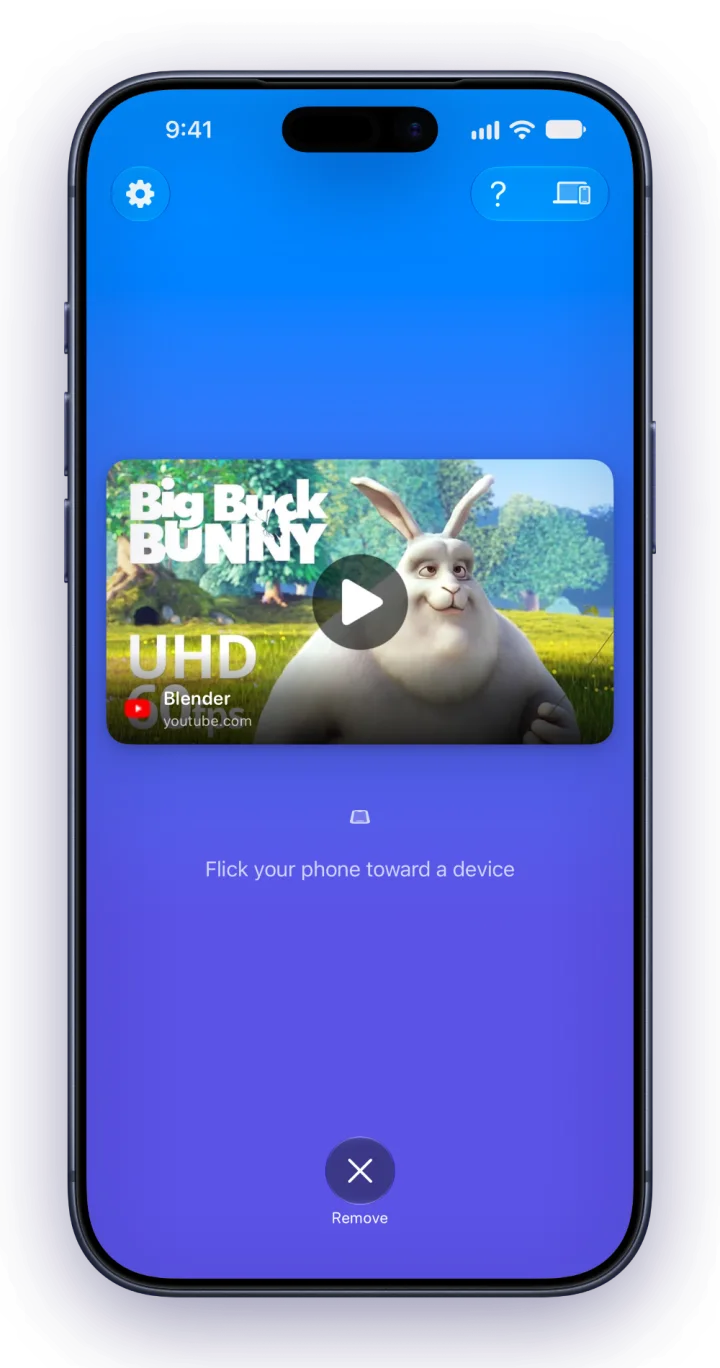
Fling on iPhone with a video link ready to send

Private and secure.

End-to-end encrypted and sent straight from one device to another. No servers, no cloud, no account.
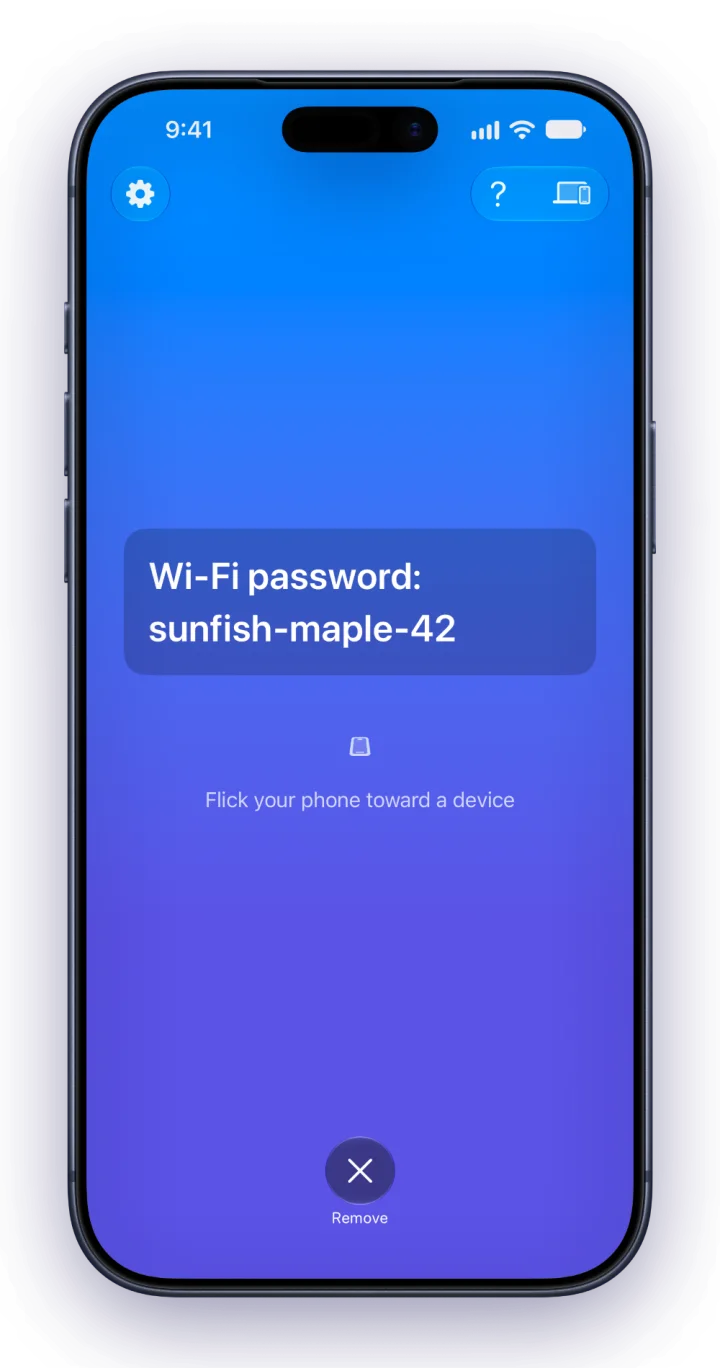
Fling on iPhone with a Wi-Fi password ready to send
Fling app icon

Get Fling.

Coming soon.

One download for iPhone, iPad and Mac.

Download on the App Store